
Glitch Text Generator (Zalgo, Cursed and Creepy Text)
A glitch text generator piles combining marks onto every letter so the text looks corrupted: ẃ̙̼̮̎̇͒͝e̳̹̥̓̒ī̻͙͜r̽̍̇҉̪̺͖d̺͕̗ͬ͠. Type in the box, copy the result, and paste it anywhere that takes plain text. Your letters are still underneath, so the effect can be removed again by deleting the marks, which is also how apps and moderators clean it up.
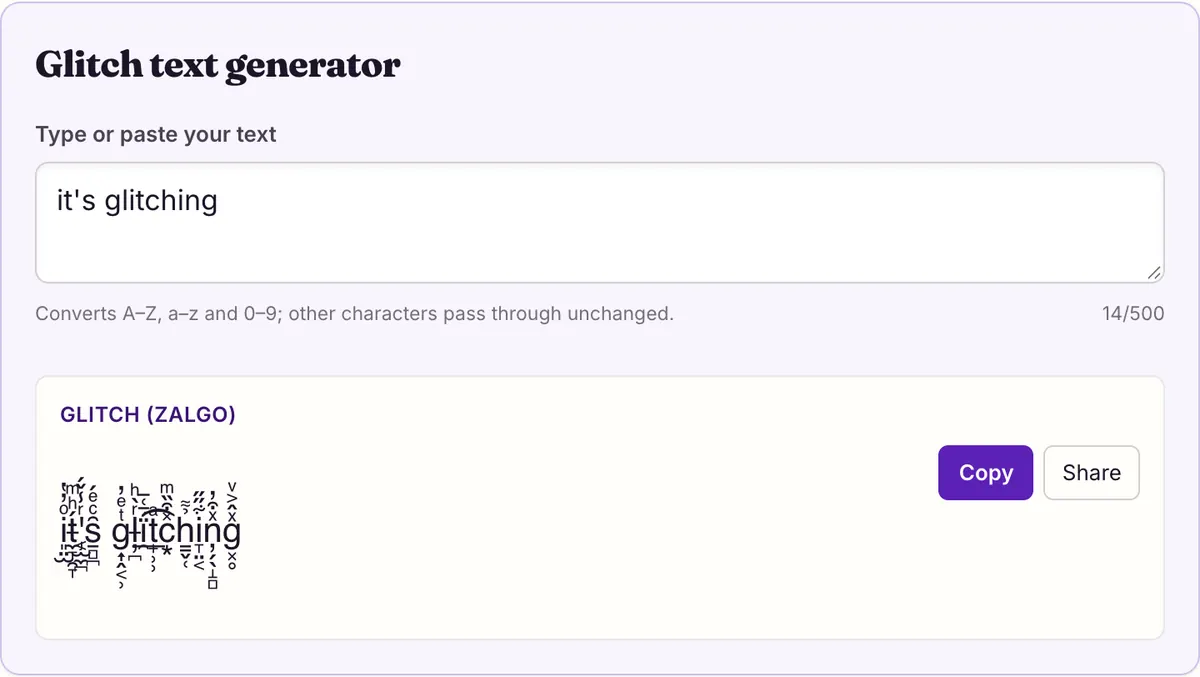
Glitch text generator
Take the letter e and type a combining mark after it. Unicode has no width for the mark, so the renderer draws it on top of the e instead of beside it. Add a second mark and it stacks on the first. Add ten, above and below, and the e disappears under a smear. That is the whole mechanism behind this glitch text generator, and behind every "zalgo" or "cursed" text you have seen.
The tool above does the stacking for you, one letter at a time, using marks from the Combining Diacritical Marks block (U+0300–036F). The rest of this page shows which marks go where, how many it adds, why the result bleeds into the lines around it, and how to get rid of it.
Above, through and below: the three mark families
The engine keeps three lists of combining marks and draws from all three for every letter. Which list a mark comes from decides where it lands. All of them come from Combining Diacritical Marks except one, U+0489 COMBINING CYRILLIC MILLIONS SIGN, which draws a ring of ticks around the letter and gives heavier glitch text its frayed look.
Order inside a stack follows the order of the characters. The first above mark sits closest to the letter and each later one is drawn a step higher; below marks grow downward the same way. Overlay marks such as the long stroke do not stack at all, they are drawn straight through the letter, so two of them on one letter look like a single thicker scratch.
Marks are picked at random from each list, so two letters in the same word almost never look alike. Spaces and line breaks get no marks, which keeps words separate and lets the text wrap normally.
| Family | Marks in the list | Where it draws | Examples |
|---|---|---|---|
| Above | 48 | Stacked upward from the top of the letter | U+030D COMBINING VERTICAL LINE ABOVE, U+0308 COMBINING DIAERESIS, U+0303 COMBINING TILDE, U+0363 COMBINING LATIN SMALL LETTER A |
| Through | 23 | Across the letter, or attached at its base | U+0336 COMBINING LONG STROKE OVERLAY, U+0334 COMBINING TILDE OVERLAY, U+0327 COMBINING CEDILLA, U+0489 COMBINING CYRILLIC MILLIONS SIGN |
| Below | 40 | Hanging downward from the bottom of the letter | U+0316 COMBINING GRAVE ACCENT BELOW, U+0324 COMBINING DIAERESIS BELOW, U+0330 COMBINING TILDE BELOW, U+0345 COMBINING GREEK YPOGEGRAMMENI |
How much glitch the tool adds
The engine has three strengths, but the tool on this page uses one: the medium setting. There is no slider. For each letter it adds one to four marks from the above list, up to one from the through list, and one to four from the below list, so every visible character carries between two and nine marks.
To show what the other strengths would do, here is the same phrase run through all three settings in the engine, with the length counted in code points. The light and heavy rows are for comparison only.
| Strength | Marks per letter | Output | Code points |
|---|---|---|---|
| Light | 2 | i̱ͦt̤̂'̹̄s͓̋ g̭̈l͎ͩi̭̓t̙̃c̦̓h̹ͤì̗n̜ͩg̺̔ | 40 |
| Medium (this tool) | 2 to 9 | i͈̤̫ͦ̓̔t̶̼̞̯̞́ͪͫ'̡͔̫̼̪ͬ̾̌́s̱̻̪͂ͨͤ́ g͎̭͔̹ͭͤ̓l̶̦̪ͬ̀ͪḯ̯̄͑̅͟t̟̹̹ͣ͡c͙̽͒̏ͫh͇̬̜̉͌i̞̤͔͋̋̋ņ̗̖̝̻ͯ͒̓g͓̥ͯ̂͐ͮ | 98 |
| Heavy | 2 to 18 | í̘̲͎̱̝̣͓̄͂̄͐̌͗̕͝t̮͖̫ͣ̆͂̏̇ͩ͠'̸̯̹̾͛s̳͓̺̝̤͇̪̖ͥͦ͟͞ g͔͍̘̼̙̳̍́͌ͥ̀̉̄l̼͕͖̲̠̥̠͈ͩͪ̕ï̢̝̤̫͡t͎̤͓̾ċ͍ͯͦh̰̞ͧ̈́͢͟ȉ̸͓̼ͪͭ̿̍͢n̺͖͑̓ͮͯ̒́̏ͭ͠g̦̘͋̋ͮ͒̽ͅ | 129 |
Zalgo is the name, not a different style
"Zalgo" is the internet's name for exactly this effect: text buried under stacked diacritics. There is no separate zalgo character set. A zalgo generator, a glitch text generator and a "corrupted text" tool all do the same thing, and the only real differences between them are which marks they draw from and how many they stack.
That is why the output looks different from site to site. A tool that only uses above marks produces tall spikes; one that leans on overlays produces scratched-out letters. Ours mixes all three families, which gives the dripping look in both directions.
Cursed text: when the marks get heavy
"Cursed text" usually means glitch text pushed to the point where the letters are hard to read. The medium setting here keeps the base letters visible, which is what most people want for a username or a caption: it looks broken, but people can still tell what it says.
If you need it heavier, paste the output back into the input box. The engine then adds marks after every character, including the marks that are already there, so the stack grows several times over: in our test "help me" went from 31 code points after one pass to 212 after two. Every pass adds length, and a name field with a limit counts each mark as a character.
Going the other way is just as easy. Glitch only the first letter of a word, or only one word in a phrase, and the rest stays readable. A glitch text generator gives you the whole line, but nothing stops you from copying part of it and typing the rest plainly.
Creepy text recipes worth trying
Glitch marks attach to whatever character comes before them, so they combine with other styles on the site. Make the base text first in another tool, then paste it here.
Upside-down text with a light glitch reads as something going wrong in the background: "help me" flipped becomes ǝɯ dlǝɥ, and with marks added it becomes ǝ͇̈́ɯ̭̋ ḏ̀l͙͂ǝ̱ͨɥ̯̋. Glitch over capitals looks like a distorted warning sign: Z̟ͮ́Á̴͓͕͇L̝̟̹͇̔ͦ̀G̷̯̱̓Ọ̫ͭ́͋̓. Glitch on one word in an otherwise plain sentence draws the eye to that word without making the whole line unreadable.
- One glitched word inside a plain sentence, for emphasis.
- Upside-down text, then glitch, for a message that looks possessed.
- Capitals, then glitch, for titles and warnings.
- Short words only, if the text is going into a name or a field with a limit.
Why glitch text spills over other lines
Text layout reserves a fixed height for each line based on the font, not on how many marks a character carries. A stack of eight marks above a letter is taller than that space, so it is simply drawn over whatever sits above it: the previous line, a username, a button. Marks below do the same to the next line.
This is why heavy zalgo in a chat or comment section can cover other people's messages, and why some apps and communities limit or remove it. It is also an accessibility problem. A screen reader may announce every mark by its Unicode name or skip them, and behavior differs between readers, so a glitched message can be slow or confusing to listen to. W3C guidance asks that meaning not rely on visual presentation, so keep anything important in plain words.
Remove zalgo by stripping the marks
Because glitch text is your original letters plus combining marks, cleaning it means deleting the marks and keeping the letters. The reliable way is two steps. First apply Unicode canonical decomposition (NFD), which splits any letter that merged with a mark into a plain letter plus that mark. Then remove every character in the Unicode Mark category: Mn for nonspacing marks, which covers U+0300–036F, and Me for enclosing marks such as U+0489.
In JavaScript and Python that looks like this:
The same two steps work in any language with a Unicode library, because NFD and the Mark category are defined by the Unicode Standard rather than by one programming language. What comes out is your plain words, with every space and punctuation mark where it was, ready to paste back into a name field or search box.
Strip glitch marks (JavaScript and Python)
// JavaScript
const clean = text.normalize("NFD").replace(/\p{M}/gu, "");

# Python
import unicodedata
clean = "".join(c for c in unicodedata.normalize("NFD", text)
                if not unicodedata.category(c).startswith("M"))
What stripping costs you
Removing every mark also removes accents that were meant to be there. Run on "café glitch" with zalgo added, the two lines above return "cafe glitch": the zalgo is gone, and so is the acute accent on the e. For English usernames that rarely matters. For text in French, Vietnamese or any language that relies on diacritics, it changes the words.
If you need to keep real accents, a gentler approach is to remove marks only when a letter carries more than one or two of them, or to clip the display as described above rather than editing the text. Skipping the decomposition step does not work well either: on our heavy sample, composing to NFC and then deleting U+0300–036F and U+0489 left "ít's glïtċhȉng", because some marks had merged with their letters into single precomposed characters that the deletion never sees.
For moderation, the safer rule is usually to limit marks rather than ban them: allow up to two combining marks per base letter, which covers ordinary accented writing, and drop the rest. That keeps names like Zoë and Đặng intact while flattening anything that would spill into other lines.
Questions people ask
- Is glitch text the same as zalgo text?
- Yes. Both names describe letters with combining marks stacked above, through and below them. Different tools pick different marks and stack different amounts, but the mechanism is identical.
- Can I make the glitch stronger or weaker?
- The tool uses one fixed strength, medium, with two to nine marks per letter. For a heavier result, paste the output back into the input to add a second layer. For a lighter one, glitch only part of your text.
- Why did my glitch text get cut off in a name field?
- Each mark counts as a character. A short word at medium strength can be several times longer than the plain word, so it hits length limits quickly. Use fewer letters or glitch a single word.
- Will glitch text show on phones?
- We checked every mark the tool can produce against the system fonts of macOS 26.5.1 and Android on 2026-10-27, and each one is drawn by at least one font on both. We did not measure Windows. How tall the stack looks still depends on the font and the app.
- How do I turn glitch text back into normal text?
- Decompose it with Unicode NFD and delete every character in the Mark category. The code on this page does that in one line of JavaScript or three of Python. Real accents are removed too.
- Why does the same text always glitch the same way?
- The random generator is seeded with your input, so the server preview and the tool in your browser produce identical output. Change any character to get a new pattern.
- Is glitch text bad for accessibility?
- It can be. Screen readers may read each mark by name or skip it, and that varies by reader. Use it for decoration, and keep the actual message in plain text.
Sources & further reading
Read next
- Weird Text Generator
Weird text generator with nine styles: glitch, upside down, bubble, crossed out and wide letters, plus which Unicode characters each one is built from.
- Upside Down Text Generator
Upside down text generator that flips and reverses your text, plus a full lookup table of every turned character it uses and the letters Unicode can't flip.
- Old English Font Generator
Old English font generator for blackletter-style text: regular and bold fraktur, the five capitals Unicode borrows from an older block, and every letter mapped.
- Discord Fonts
Discord fonts to copy and paste for display names, nicknames and messages, checked against Discord's own rules on which fields accept Unicode letters.
Part of Weird Text Generator. Want every style at once? Use the fancy text generator on the home page.

Sukie · Editor
Sukie edits Fancy Text Styles. Every style on the site is checked against the Unicode Consortium code charts before it is published, and every page names the characters a style cannot produce instead of hiding them.
About this site · How pages are checked · Last updated October 27, 2026
Fancy Text Styles is an independent site. Discord, Instagram, TikTok, X and other platform names belong to their owners and are used only to describe where text is pasted; none of them endorse this site.